Latest posts
-
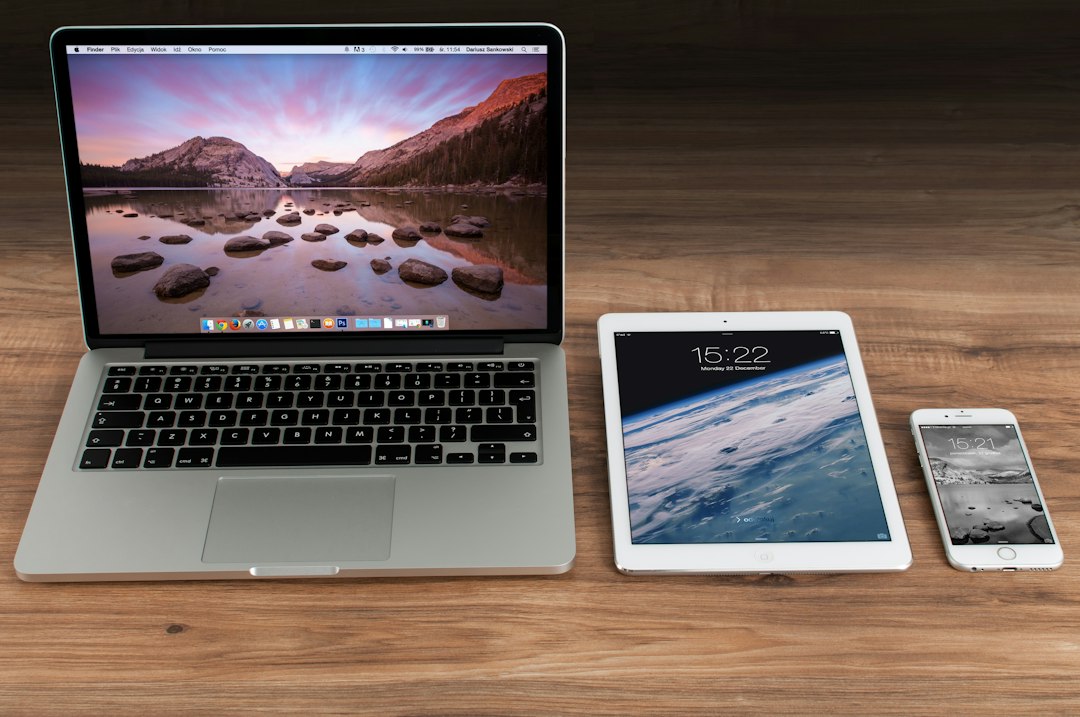
Transfer Files PC to iPhone Wirelessly: No iTunes
How to transfer files from PC to iPhone wirelessly without iTunes. Three methods compared: AirDrop alternatives, cloud sync, and self-hosted solutions with real latency numbers.
Read more → -
Buy Anker USB-C Hub for MacBook: Which Model Fits Your Workflow
Anker's USB-C hubs cut cable clutter for MacBook owners. We tested five models against real workflows to find which one actually justifies the desk space.
Read more → -
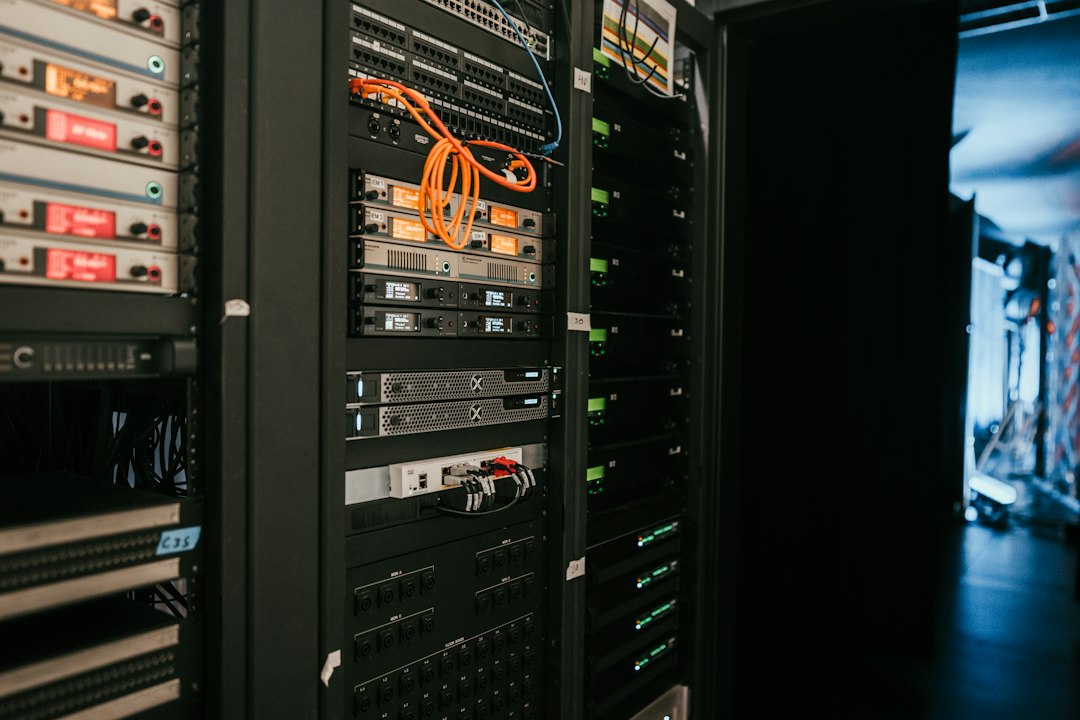
What Is a NAS Drive and Do You Actually Need One?
A NAS drive is networked storage, not a single device. Here's whether it's worth the complexity and cost for your actual workload.
Read more → -
Canva vs Adobe Express for beginners: honest trade-offs
Canva vs Adobe Express: which design tool should you actually use? I tested both for six weeks. Here's where each stumbles.
Read more → -
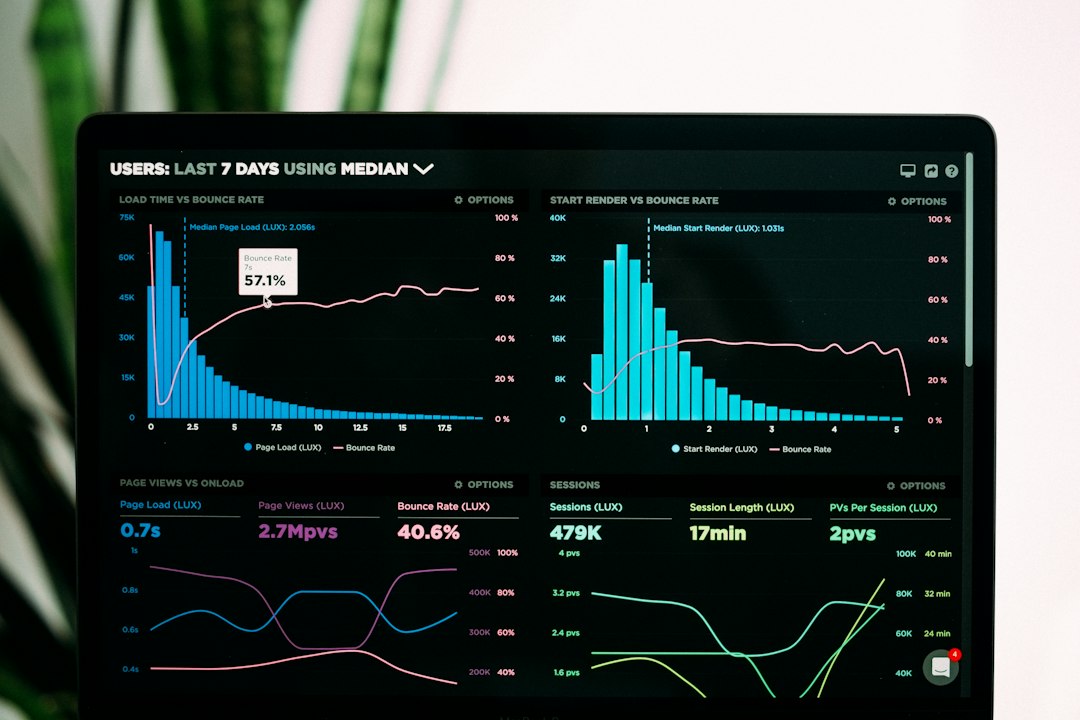
How to Automate Tasks with Zapier for Free
Zapier's free tier lets you build 100 monthly tasks without spending a penny. Here's what actually works, what doesn't, and the workarounds I use.
Read more → -
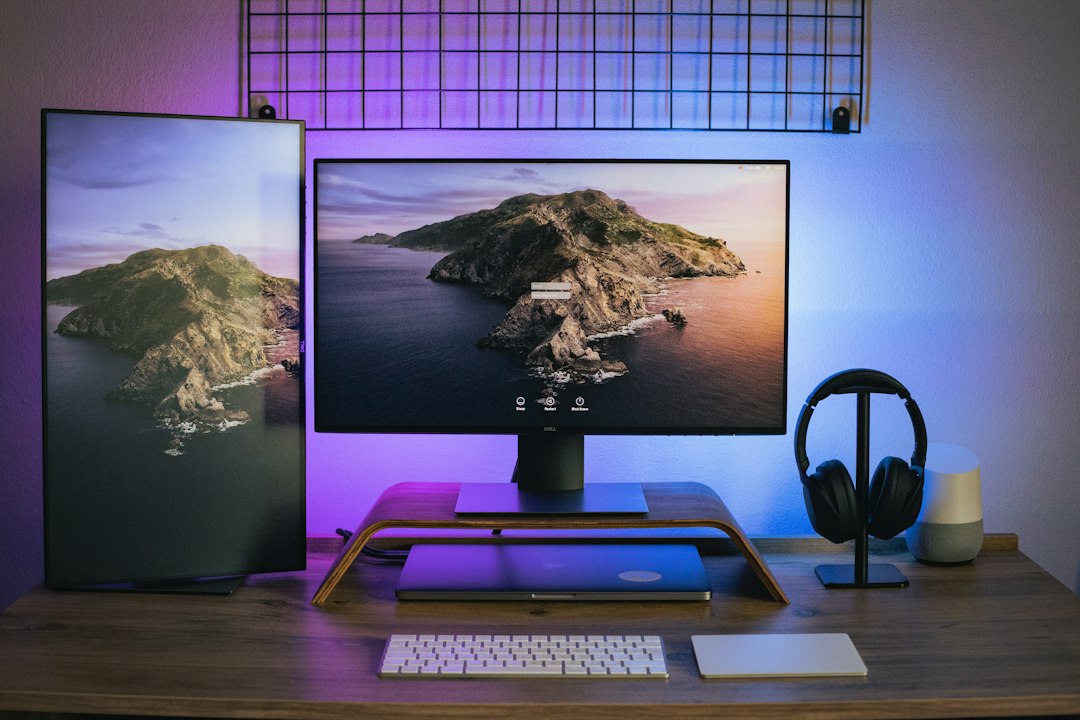
Best portable monitors for laptop under $200
I tested five portable monitors under $200. One failed in 90 days. Here's which ones actually survive freelance life and why specs lie.
Read more → -
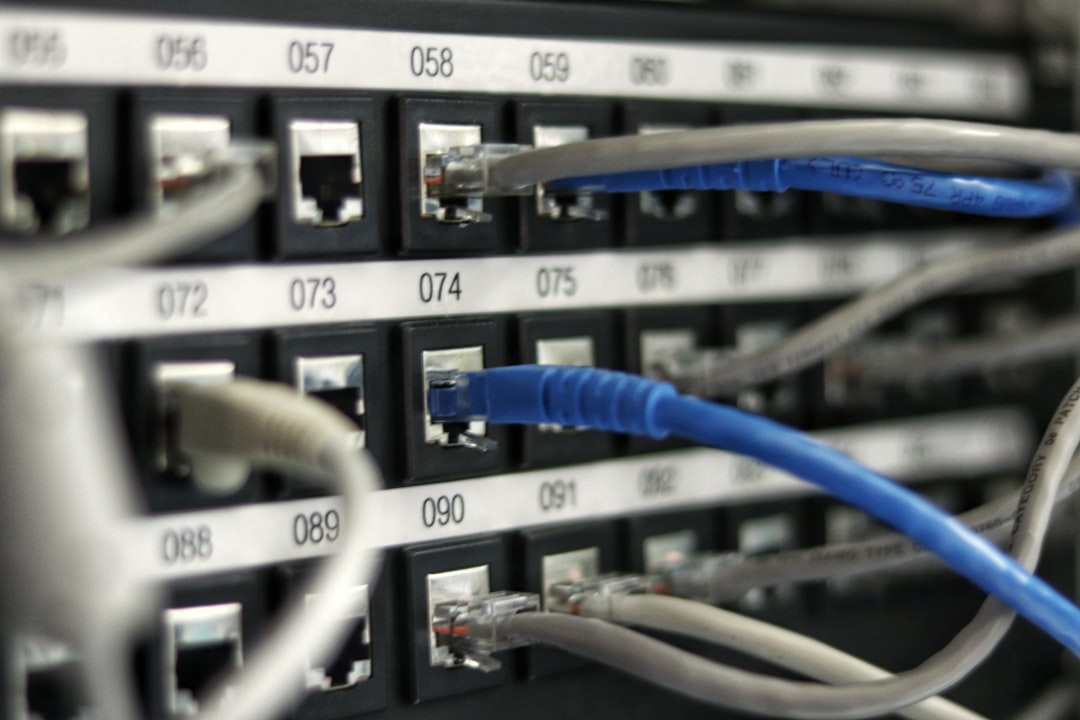
What Is a NAS Drive and Do You Actually Need One?
A NAS drive is a networked storage box, not a drive. Most indie hackers don't need one. Here's how to tell if you're the exception.
Read more → -

Is Canva Pro Worth It? A Freelancer's Honest Take
Is Canva Pro worth it for indie makers? I tested it against free alternatives and tallied the real time savings. Here's what actually justifies the £120 annual fee.
Read more → -

How to Use Google Drive Offline: Real Setup & Limits
Google Drive offline mode works—but only for Docs, Sheets, Slides. Here's what actually syncs, what doesn't, and why you'll need a second strategy.
Read more → -
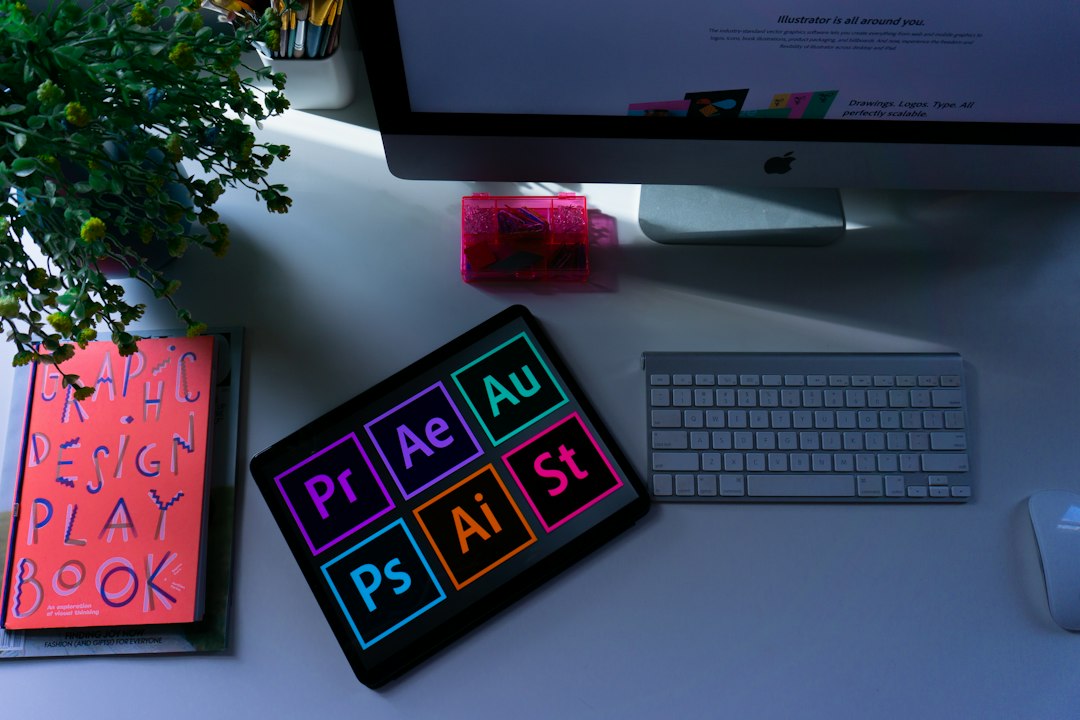
Canva Pro vs Adobe Express: which design tool pays for itself
Canva Pro vs Adobe Express comparison reveals a stark divide: one's a Swiss Army knife, the other's a precision scalpel. Here's which actually saves you money.
Read more →